
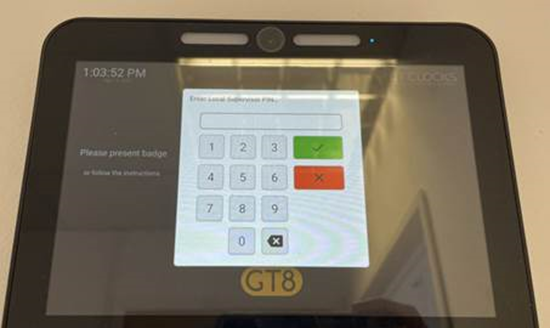
- On the GT8 Terminal press and hold the top left of the screen where the time is until a supervisor prompt appears, once it does, please enter the code 19051905 to gain access.
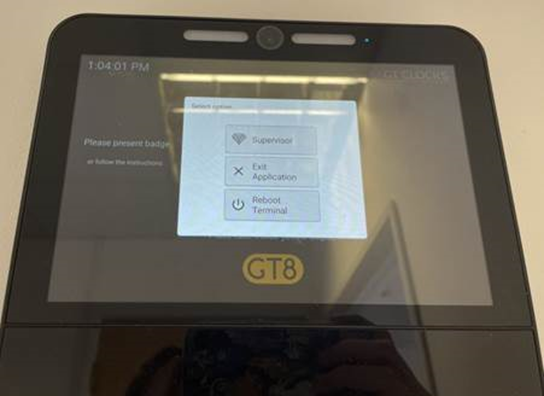
- Now from here click on supervisor option.
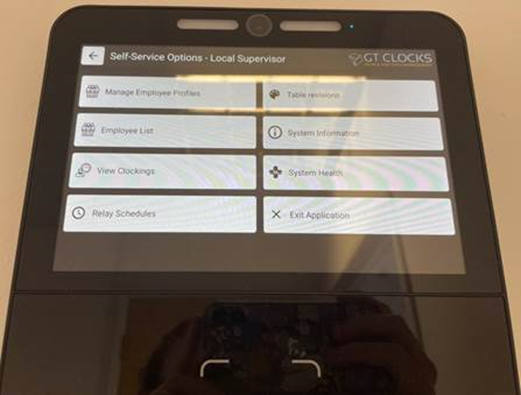
- Then, it will display the settings page, please select the Manage Employee Profiles
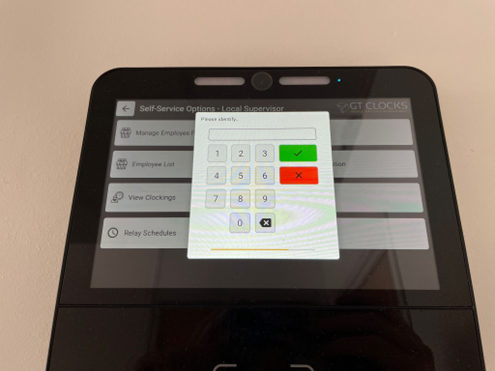
- From here enter the employees badge ID, for example 00010 is our office test.
- Once found it will pull up the employee’s facial record on the GT8, from here you can re-enroll an employees face by pressing the camera icon under the image.
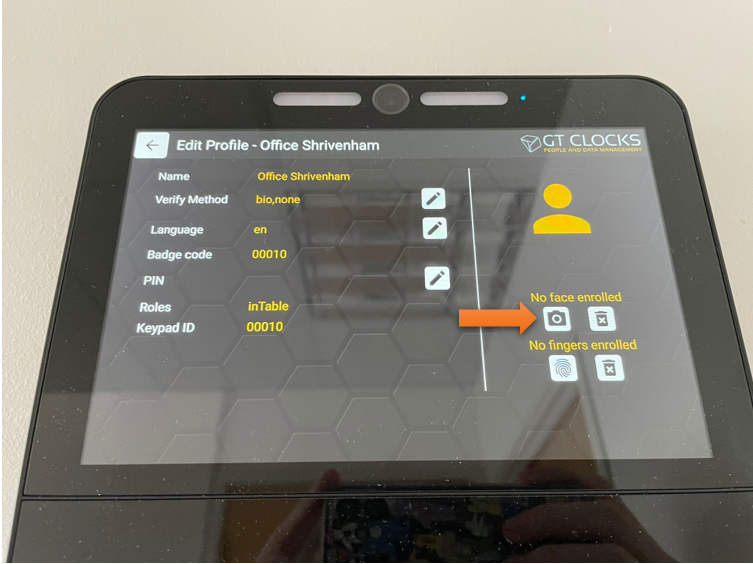
- After re-enrolling, please test to make sure the clock-ins are working.
Comments
0 comments
Please sign in to leave a comment.