
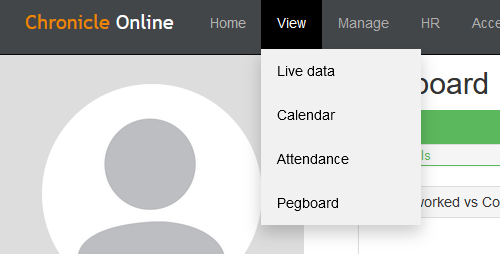
Go to View > Live Data
Select the employee you would like to create a user for and double-click on their name to open their employee record.
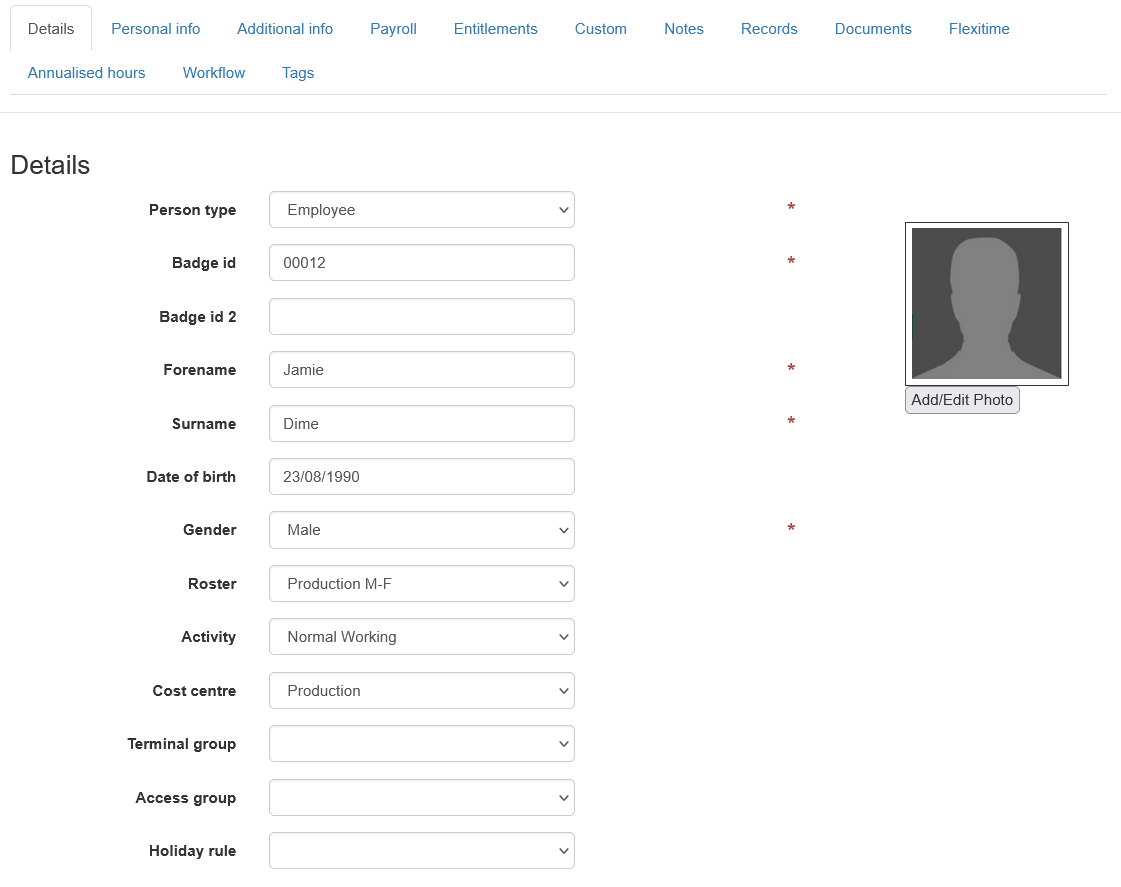
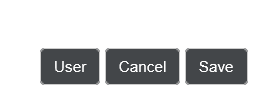
Scroll to the bottom of the record and click the 'User' button.
This will present you with a blank user record.
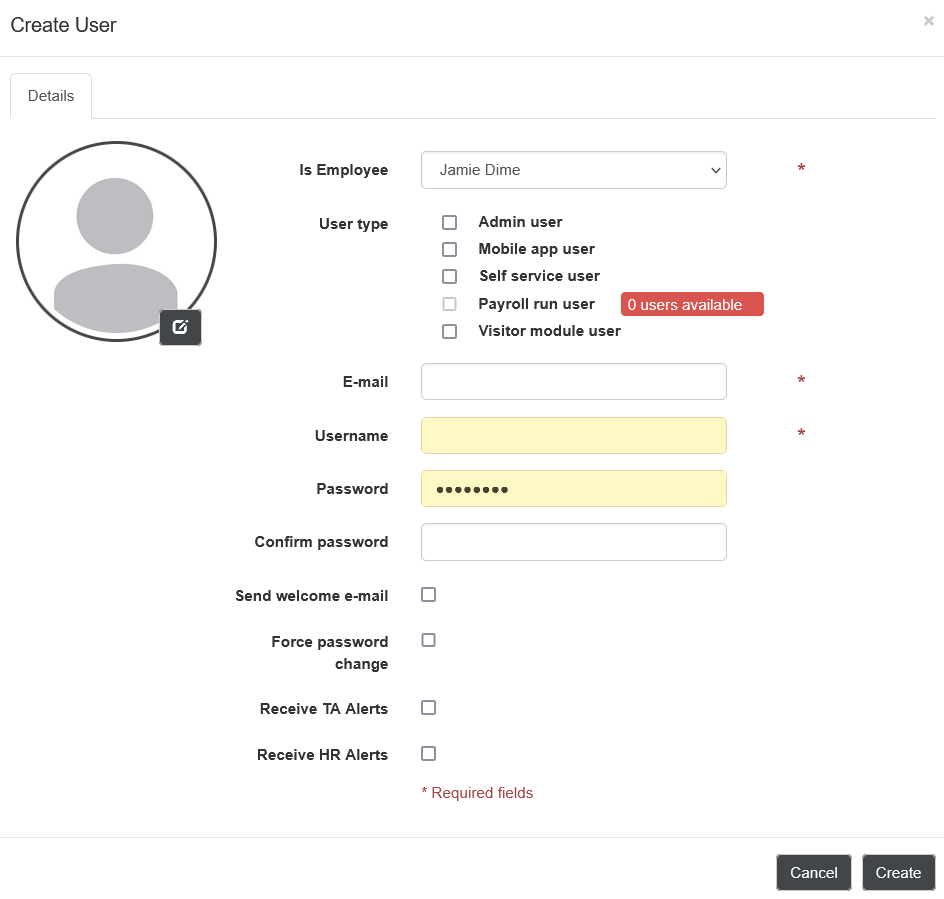
Tick the 'Mobile App User' tickbox and ensure that the email, username, and password fields are all filled with the relevant data.
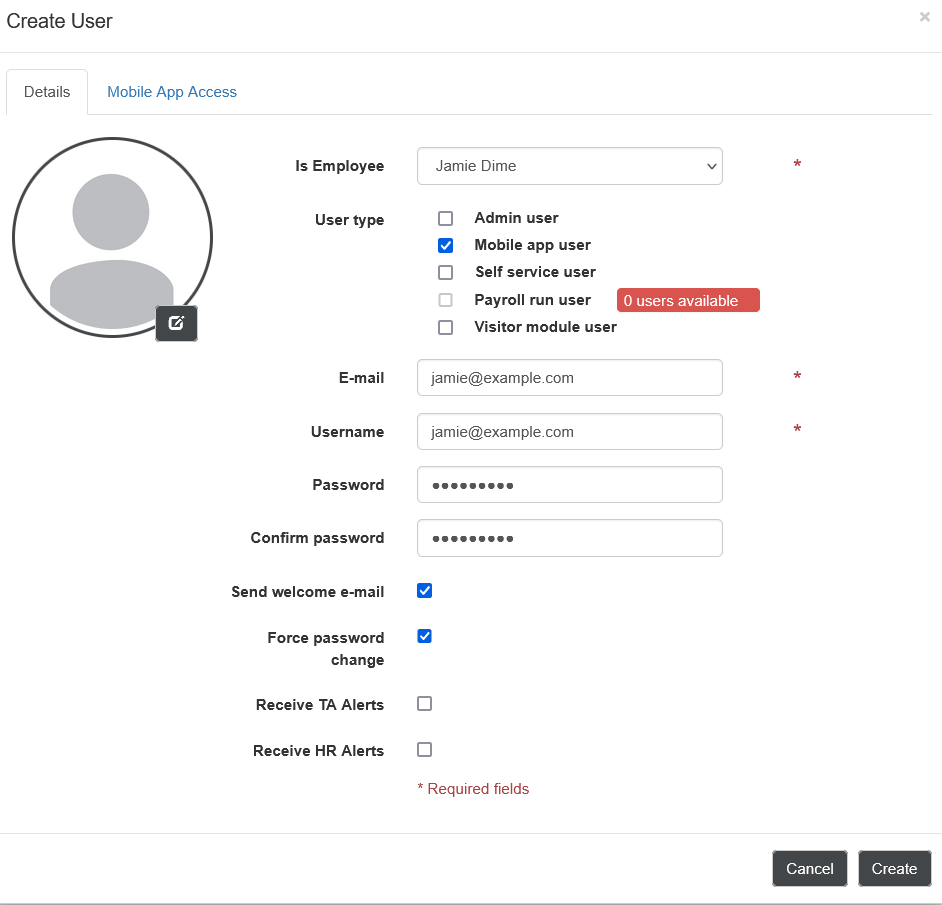
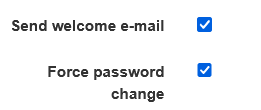
Click the 'Force Password Change' and 'Send Welcome Email' tickbox's.
Navigate to 'Mobile App Access' at the top of the user record.
Select the tickbox's that apply, for example, enable facial recognition, hide payslips.
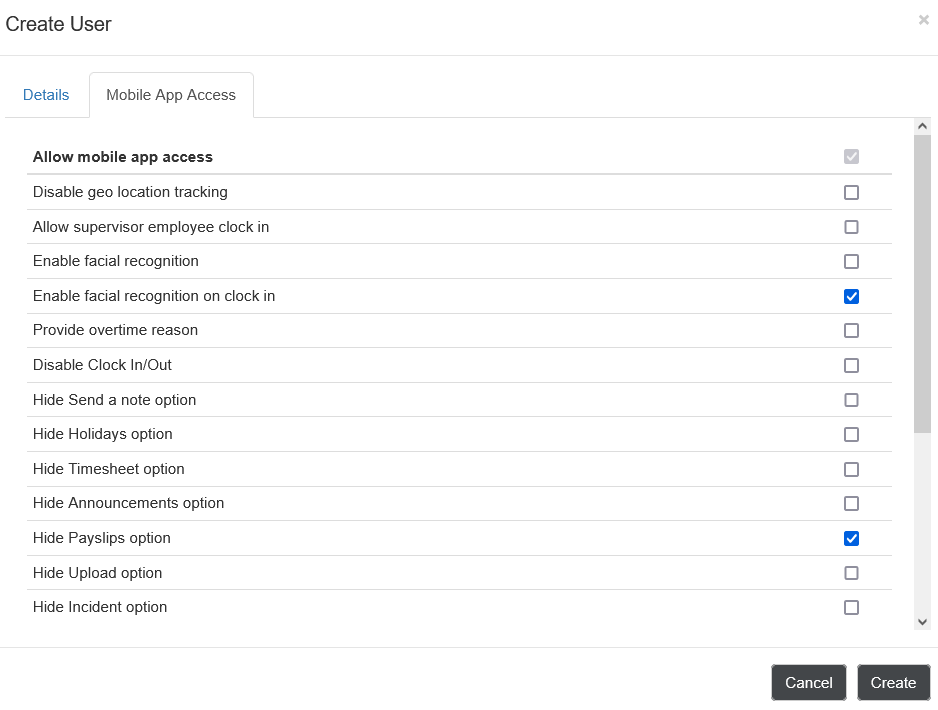
Click 'Create'.
This has now added the user for the selected employee to your system and if you selected 'send welcome email' this will also send their login information to their email.
Comments
0 comments
Please sign in to leave a comment.