
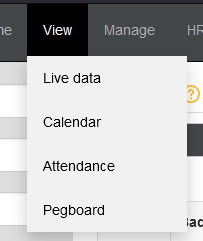
- Go to View -> Attendance
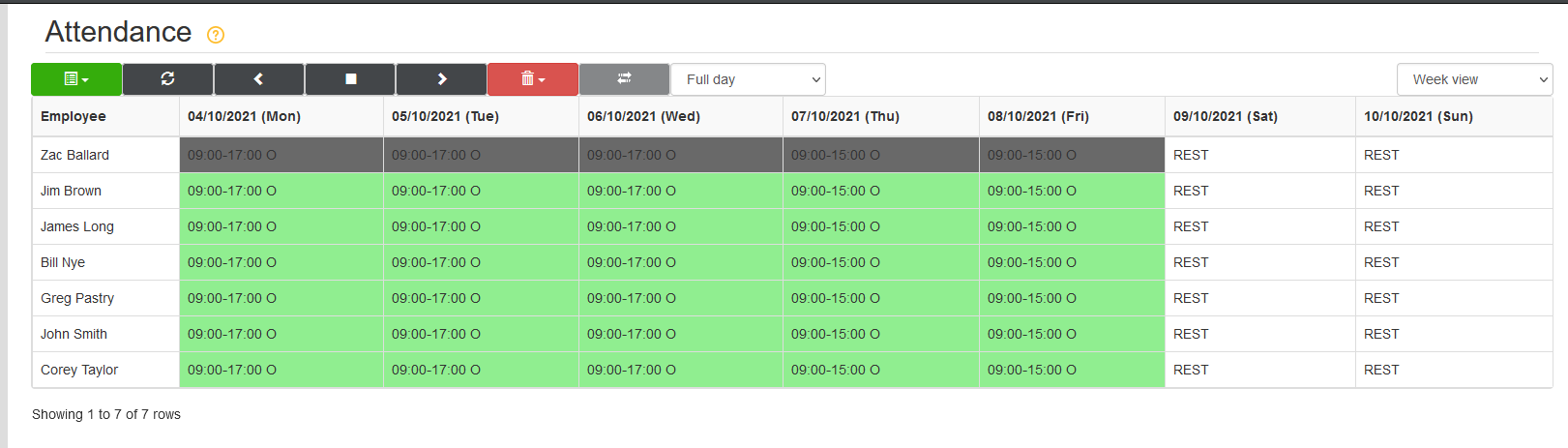
- Navigate to the relevant date that will need a holiday/sickness/absence booked using the arrow buttons or the date selector.

- After navigating to the date, select the days that need booking by clicking on them, highlighting them in dark grey.
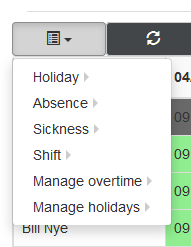
- Now selected, use the green dropdown at the top of the attendance screen to select holiday/sickness/absence.
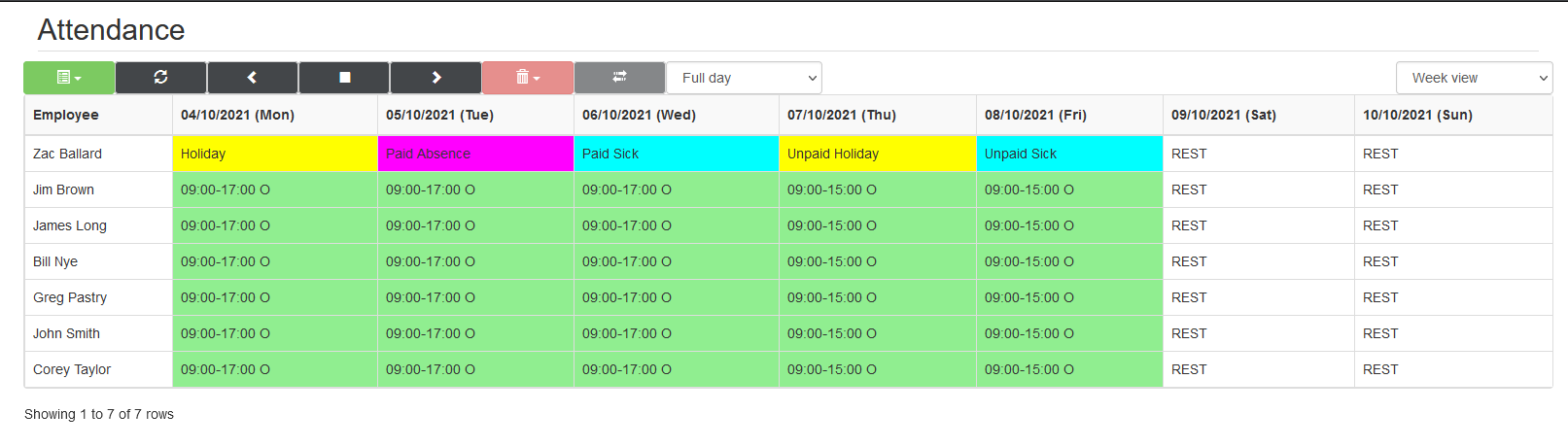
- This will then change the selected days to the selected absent type.
Comments
0 comments
Please sign in to leave a comment.