
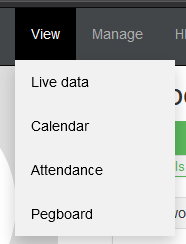
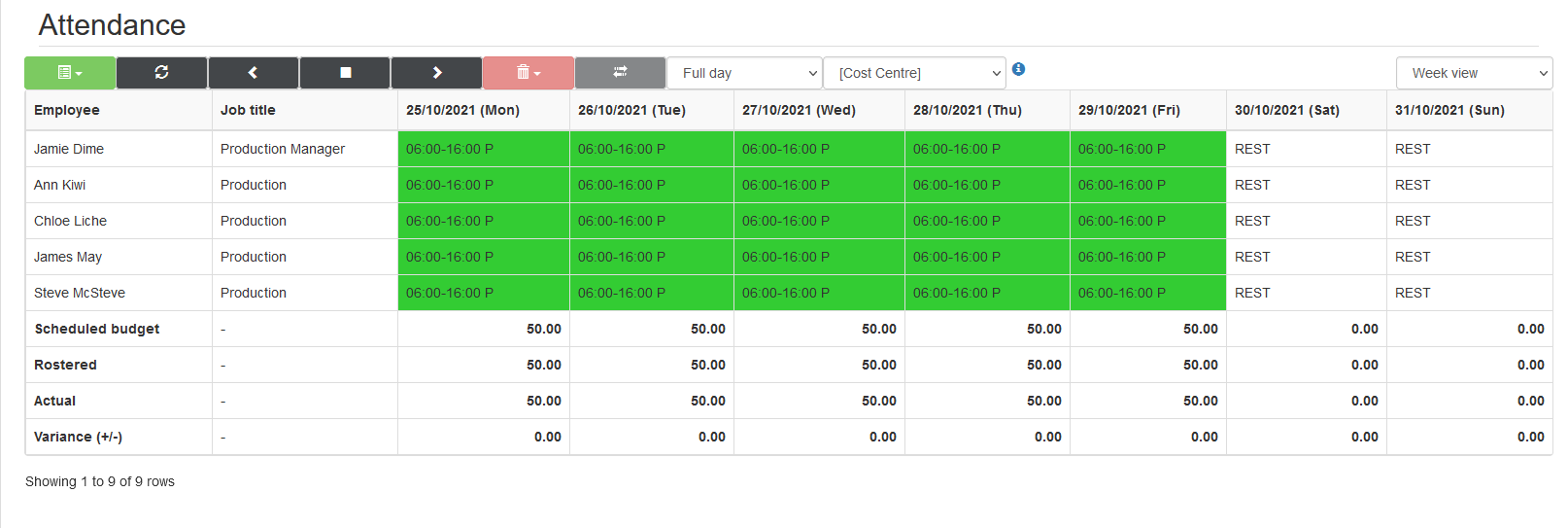
- Go to View -> Attendance
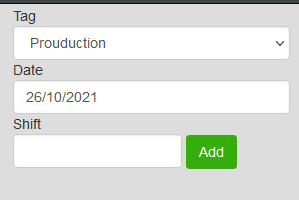
- Navigate to the correct date.
- Click on the day with the incorrect absence to highlight the cell.
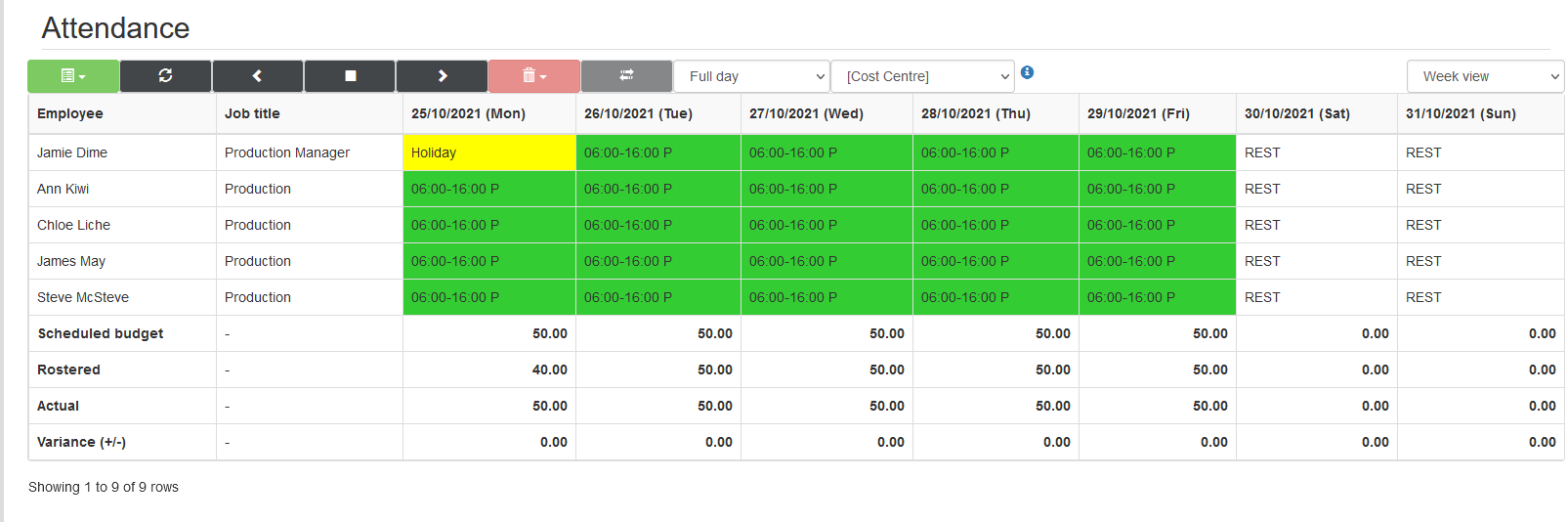
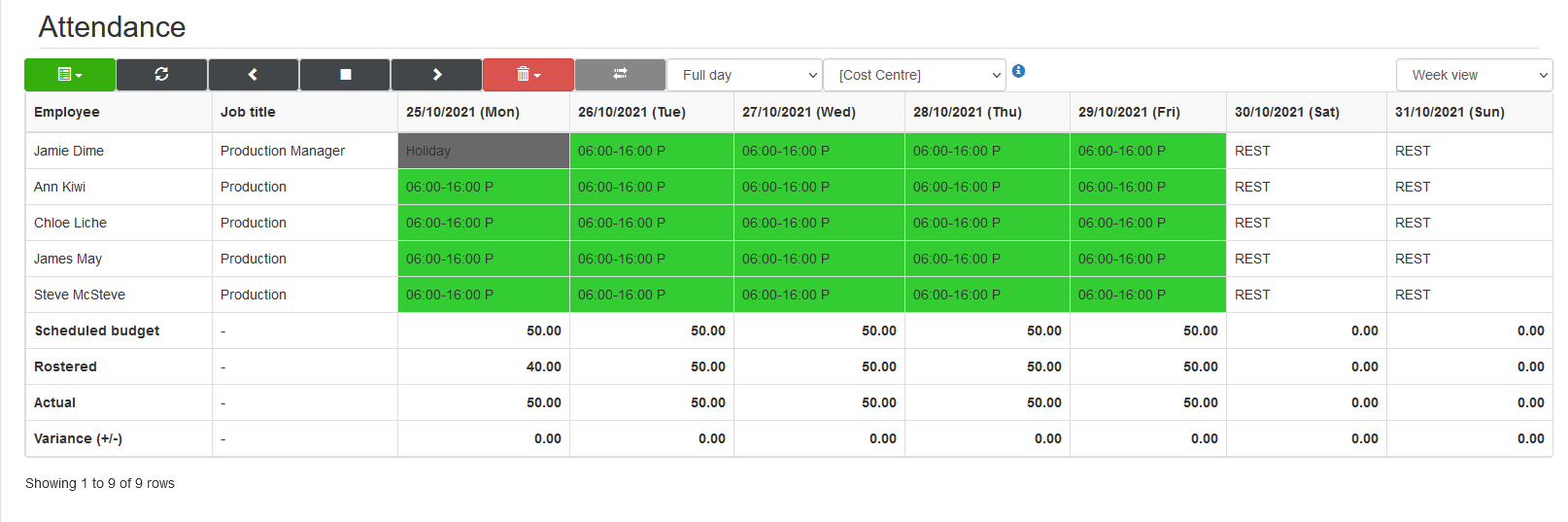
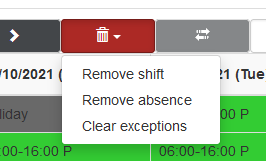
- Using the red 'bin' dropdown, select remove absence.
- This will then remove the absence and set the record back to the original shift.
Comments
0 comments
Please sign in to leave a comment.