
Using 'rotations' against an employee is a quick way to create a 4 on 4 off or Early Late Night rotational roster without having to create numerous iterations of the same roster to achieve the various start times and patterns.
Old Method without Rotations- 3 rosters required
1 x Early Late Night
1 x Late Night Early
1 x Night Early Late
3 rosters with different starting shift patterns are required.
New Method with Rotations
1 x Early Late Night roster required
Employee A starts on Rotation 0 - meaning his/her first shift is a week of Earlies, then Late then Night.
Employee B starts on Rotation 7 - meaning his/her first shift is a week of Lates, then Night then Early.
Employee C starts on Rotation 14 - meaning his/her first shift is a week of Nights, then Early, then Late.
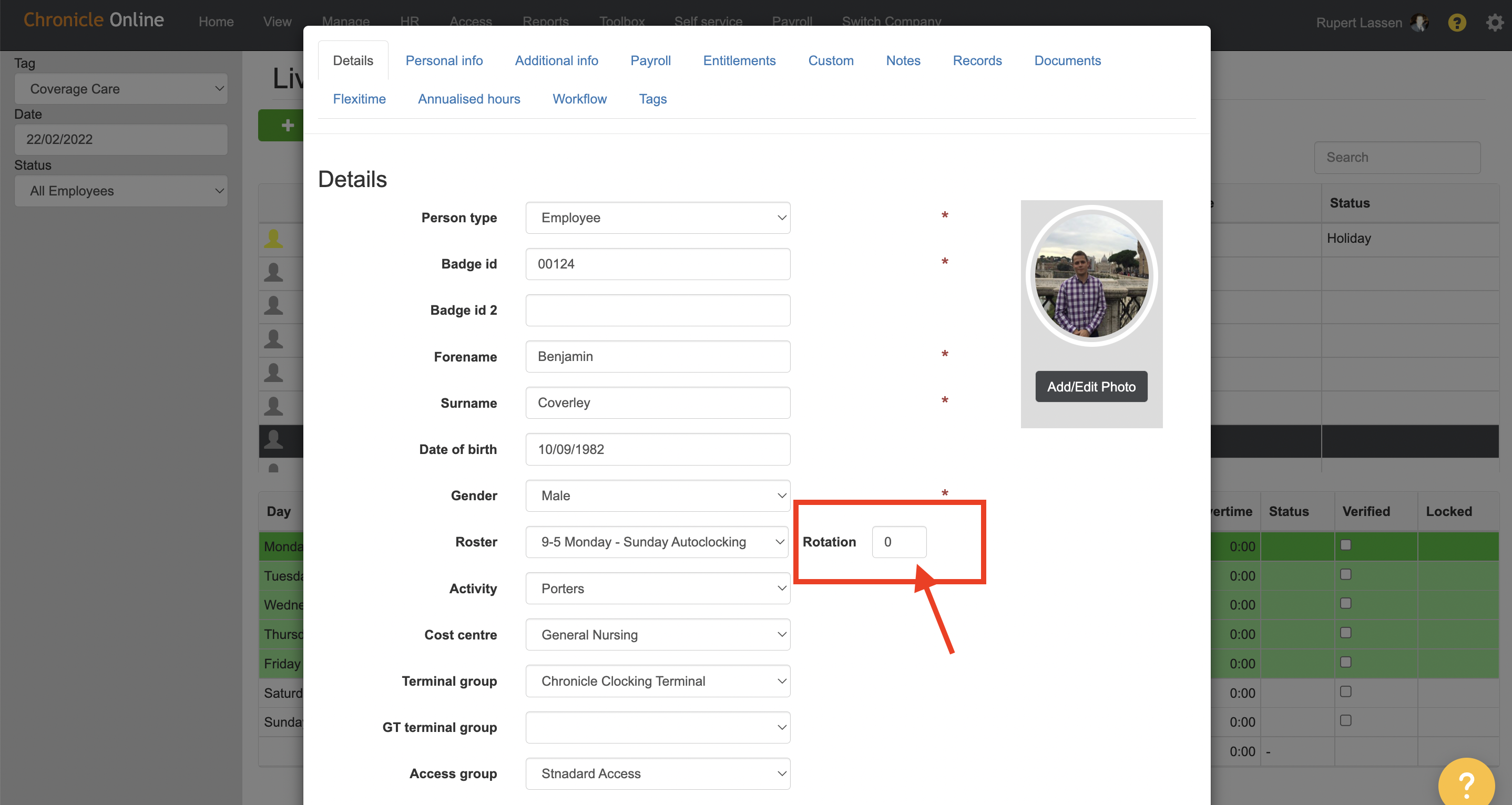
Screen shot to show where Rotation can be defined against the employee in personal file.
Comments
0 comments
Please sign in to leave a comment.